Leadout on your desktop.
Your Leadout account in its own window, for Mac and Windows. Conversations, calendars, contacts and pipelines, without hunting for a browser tab.
The app is desktop only for now. On a phone, sign in on the web at app.leadout.digital.
Also for Linux: .deb · .rpm. Or sign in on the web at app.leadout.digital.
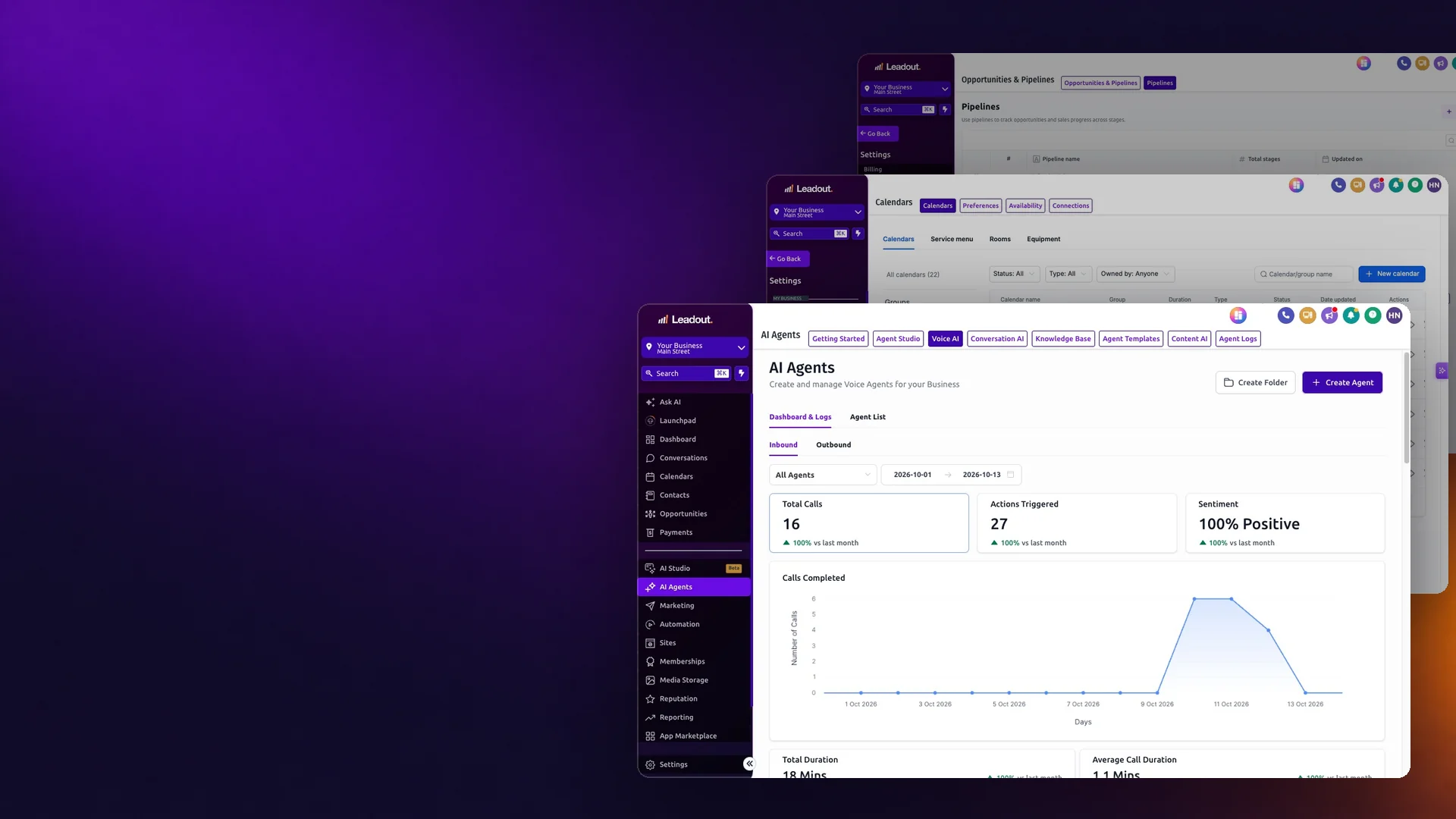
Three steps. About two minutes.
Install it
On a Mac, open the download and drag Leadout into Applications. On Windows, run the Leadout Setup file.
Sign in
Use the same email and password as your Leadout account on the web.
Keep it handy
Pin Leadout to your Dock or taskbar so the inbox and calendar are one click away.
The app is for businesses with a Leadout account. Not set up with us yet? Book fifteen minutes and we'll tell you whether you need one.
Find the hours first.
Fifteen minutes, no pitch deck. Tell us which job eats your week and we'll tell you whether AI is the answer yet.
Hayden Nosatti · Leadout · Sydney